
Power cuts are a daily reality in many African countries. The right backup setup keeps your phone, laptop and internet running so you can work, study and stay reachable. This guide explains the main options, how to size them and how to use them safely.
Understanding the numbers
- mAh (milliamp-hours): used for power banks. Higher means more charge, but the real energy available depends on voltage and conversion losses.
- Wh (watt-hours): the clearest measure of stored energy. A 10,000mAh power bank stores about 37Wh.
- W (watts): how much power a device draws or a charger delivers.
Option 1: Power banks
Best for phones, small routers and some laptops.
- 10,000mAh: roughly one to two phone charges
- 20,000mAh: roughly three to four phone charges
- Laptop power banks: need USB-C Power Delivery with enough wattage for your laptop, often 45W to 65W or more
Buy from reputable brands. Cheap, unbranded power banks often overstate capacity and may lack safety protections.
Option 2: Mini UPS for your Wi-Fi router
A small DC UPS keeps your router or MiFi running for several hours during outages, so you stay online. Check that its output voltage matches your router (commonly 9V or 12V).
Option 3: Inverter and battery systems
An inverter converts stored battery power into household AC electricity for laptops, TVs, fans and lights.
- Size the inverter by adding up the watts of everything you will run at once, then add a safety margin
- Size the battery by multiplying total watts by the hours you need, then account for usable capacity
- Battery types: lithium iron phosphate (LiFePO4) batteries cost more upfront but last much longer and allow deeper discharge than lead-acid batteries
- Pure sine wave inverters are safer for sensitive electronics
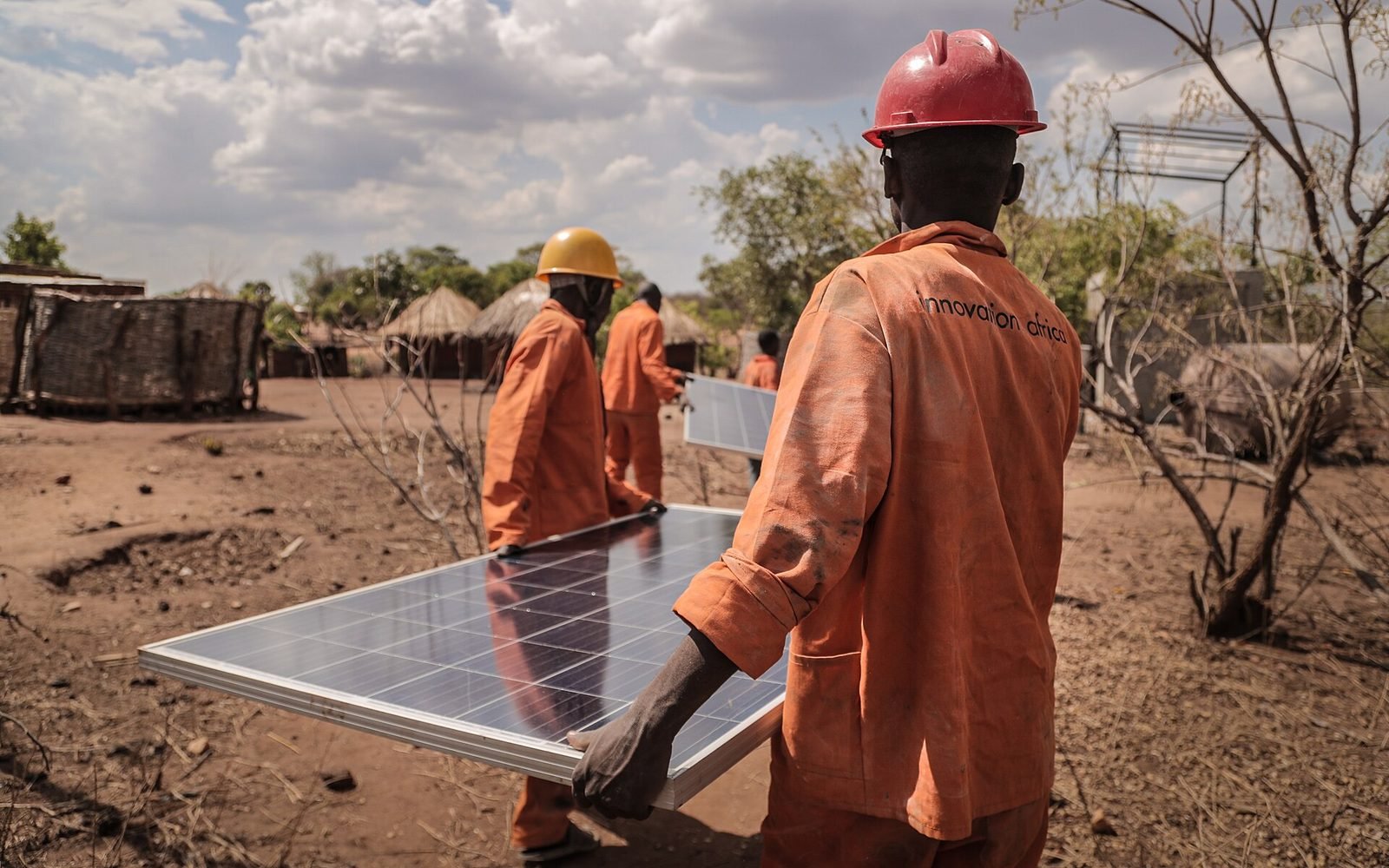
Option 4: Solar
Solar panels can recharge your batteries during the day, reducing reliance on the grid and generators. Options range from small solar lanterns and phone chargers to portable power stations with foldable panels and rooftop systems with charge controllers. Pay-as-you-go solar kits, paid in instalments by mobile money, have made solar affordable for many households. See How Mobile Money Works.
Example: a home office setup
| Device | Approximate power |
|---|---|
| Laptop | 45 to 65W while charging |
| Wi-Fi router | 10 to 15W |
| LED light | 10W |
| Fan | 40 to 60W |
Running all four for about 8 hours needs roughly 1kWh of usable battery energy, plus inverter losses. Check your own devices’ labels for accurate figures.
Safety tips
- Never run generators indoors or near windows; exhaust fumes can kill
- Use correctly rated cables, fuses and breakers; hire a qualified installer for larger systems
- Keep batteries ventilated, dry and away from heat
- Do not use swollen or damaged power banks or batteries
- Use surge protectors; power often returns with spikes
Extend your battery further with our smartphone battery tips, or return to How to Choose a Smartphone in Africa.