
Two-factor authentication (2FA) adds a second check when you log in, so a stolen password alone is not enough to break into your account. It is one of the most effective security steps you can take, but not all methods are equally strong.
How 2FA works
Authentication factors fall into three types:
- Something you know: a password or PIN
- Something you have: your phone, an app or a security key
- Something you are: a fingerprint or face scan
2FA combines two different types. Even if a criminal gets your password through phishing or a data leak, they still need the second factor.
2FA methods compared
| Method | How it works | Security | Weaknesses |
|---|---|---|---|
| SMS codes | A code is texted to your phone | Better than nothing | Vulnerable to SIM swaps and interception; needs network signal |
| Authenticator apps | An app generates a changing six-digit code | Strong | Codes can still be phished; back up recovery codes |
| Push approvals | Approve a login in an app | Strong | “Fatigue” attacks that spam requests until you tap approve |
| Passkeys | Your device signs in using cryptography and your fingerprint, face or PIN | Very strong; resistant to phishing | Not supported by every service yet |
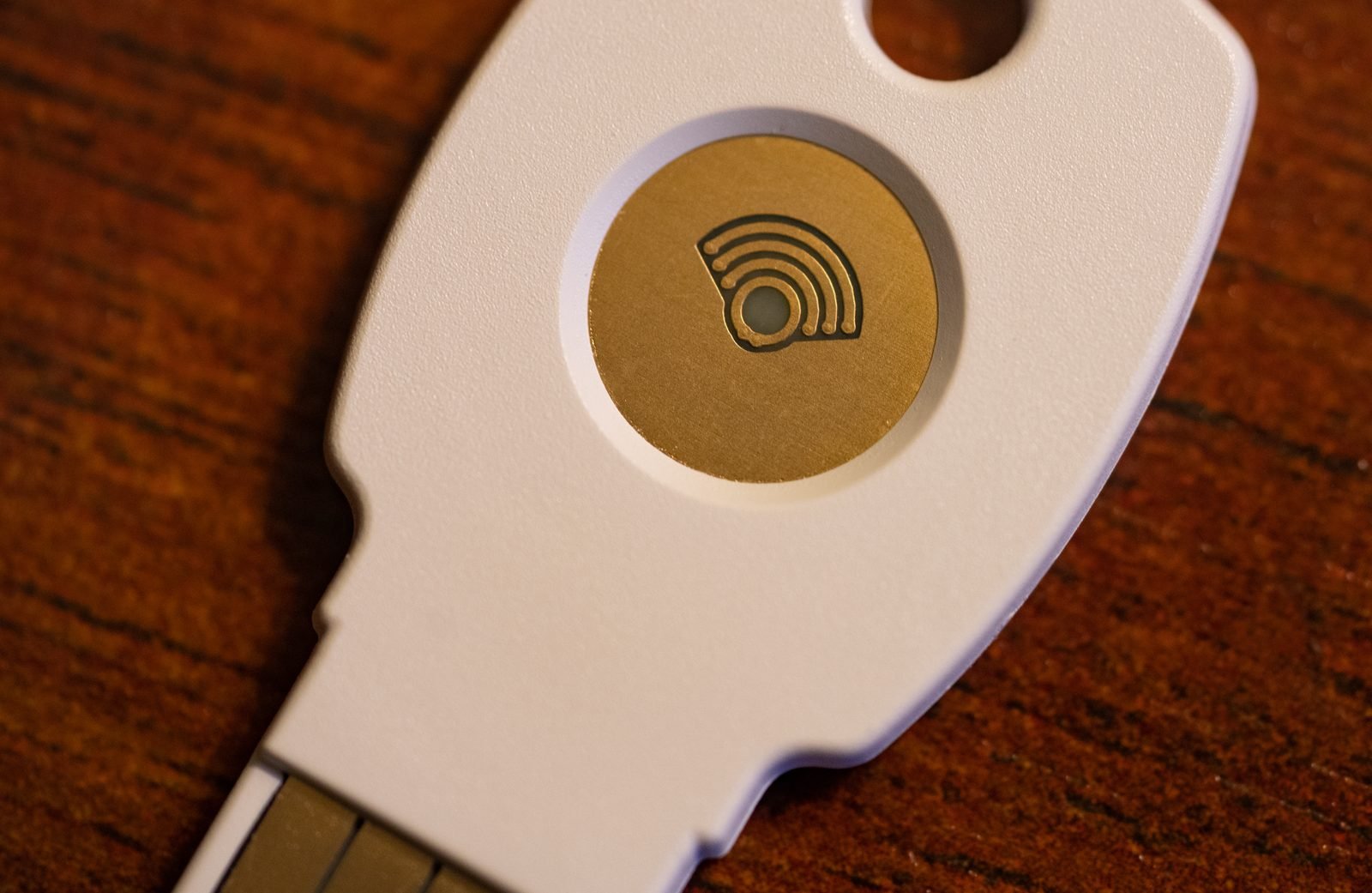
| Hardware security keys | A physical USB or NFC key | Very strong; resistant to phishing | Costs money; keep a backup key |
Because SIM swap fraud is common, use an authenticator app, passkey or security key for your most important accounts wherever possible. SMS is still far better than no 2FA.
Which accounts to protect first
- Your main email account, because it can reset all other passwords
- Banking and mobile money apps
- WhatsApp, using two-step verification with a PIN
- Social media accounts, especially business pages
- Cloud storage and work accounts, including AI tools; see using AI assistants safely
How to turn on 2FA
- Open the account’s security settings, often labelled Security, Login or Two-step verification
- Choose your method; if offered, pick a passkey or authenticator app
- For an authenticator app, scan the QR code shown on screen and enter the code to confirm
- Save the backup or recovery codes somewhere safe and offline
- Add a second method, such as a backup phone number or second key, in case you lose your phone
Common mistakes
- Sharing codes: no genuine company will ask you to read out a 2FA code. Anyone who does is a scammer. See How to Spot Phishing Scams
- Losing recovery codes: without them, getting back into an account after losing your phone can be very difficult
- Approving unexpected prompts: if you did not try to log in, deny the request and change your password
Frequently asked questions
Is 2FA worth it if I have a strong password?
Yes. Strong passwords can still be stolen by phishing or leaked in data breaches. 2FA protects you when that happens.
What happens if I lose my phone?
Use your saved recovery codes or backup method to sign in, then remove the lost device from your accounts. Authenticator apps that support encrypted backup make this easier.
Read more in our Cybersecurity in Africa guide.